10 Best Scheduling Software for Coaches: 2026

Coachful

1. Coachful
You may be thinking, “I only need a booking link.” That works until a client buys a package, books one session type instead of another, and you're left tracking payments, notes, and follow-ups somewhere else. Coachful connects scheduling with client onboarding, payments, messaging, programs, and progress tracking in one branded workspace.
Say a client signs up for a business-coaching program. You can organize the program around goals and milestones, share resources, and keep sessions and client communication in the same place. Coachful's scheduling syncs with Google, Apple, and Microsoft calendars, and bookings can include intake, payment, the session, and follow-up with the client.
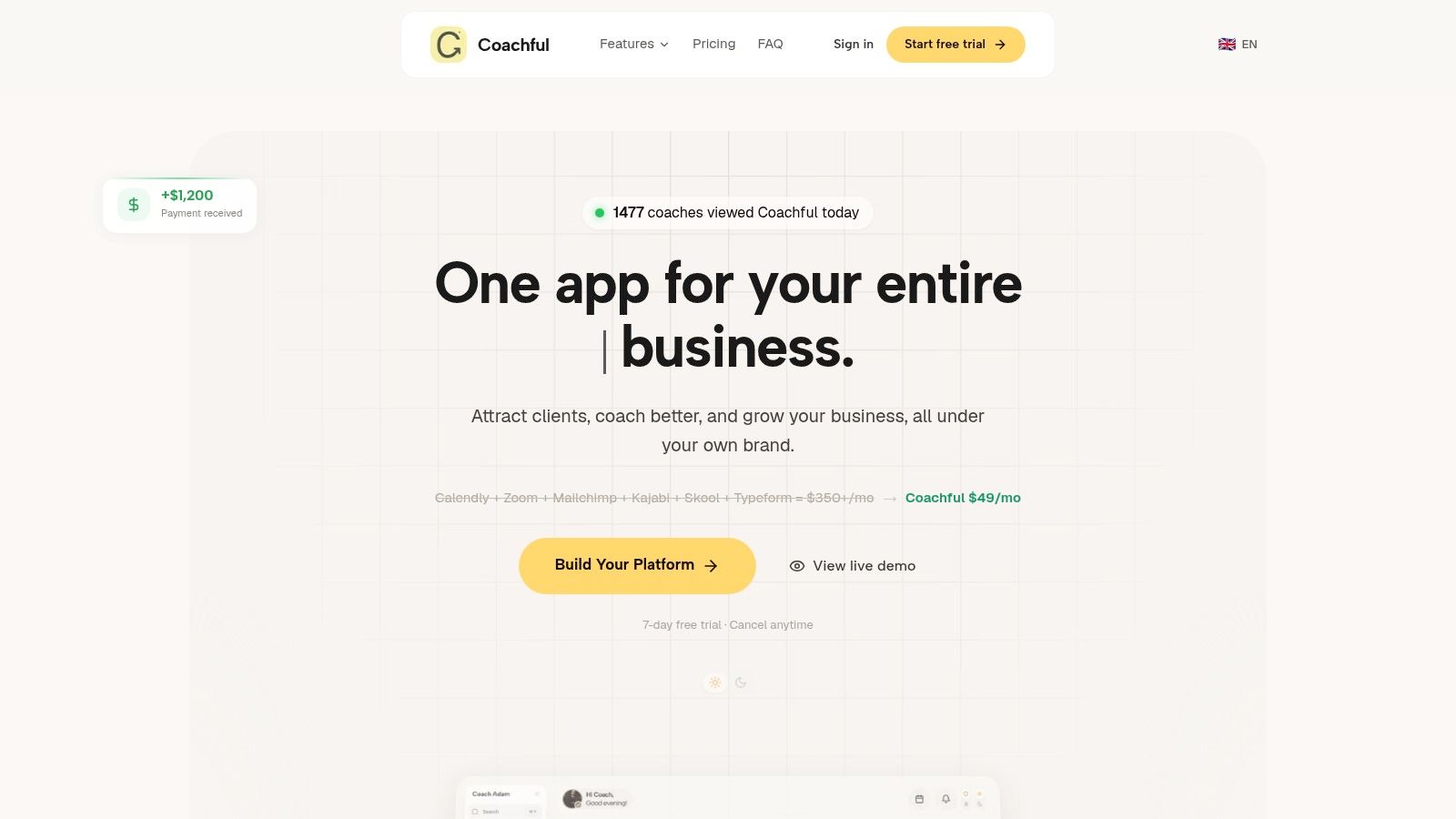
When the offer is more than an appointment
Coachful supports individual sessions, group calls, intake calls, programs, and cohorts. You can set calls per offer, week, or month, then let clients book against the relevant session type. Reminders and renewals can take routine follow-up off your plate, while dashboards help you keep an eye on client engagement and progress.
If you're worried a platform will make your practice feel less personal, Coachful supports custom branding and client-facing apps for web, iOS, and Android. That gives clients a consistent place to book, access resources, and stay connected between meetings. Coaches can also use an AI assistant, alongside tools for programs and client progress.
The trade-off: You get more than a calendar, but you'll need to confirm which features and limits apply to the plan you're considering.
Coachful is designed for independent coaches as well as coaching organizations and creators. It aims to replace a collection of separate tools with one workspace, and it advertises a free trial. Its website also lists a monthly price, but it doesn't make the plan tiers or feature limits clear, so check those details before deciding whether it fits your budget.
Who should choose it
Choose Coachful if you want session bookings to connect to the larger client experience, especially when you sell packages or run group programs. If you only need a simple link for occasional calls, its wider set of tools may be more than you need. You can learn more on the Coachful website.
2. CoachAccountable
You might say, “I don't need another calendar. I need clients to do the work between sessions.” CoachAccountable is built around that gap. A booking can connect to worksheets, goals, action plans, session notes, and progress tracking, so the appointment is one part of a structured coaching engagement rather than a standalone event.
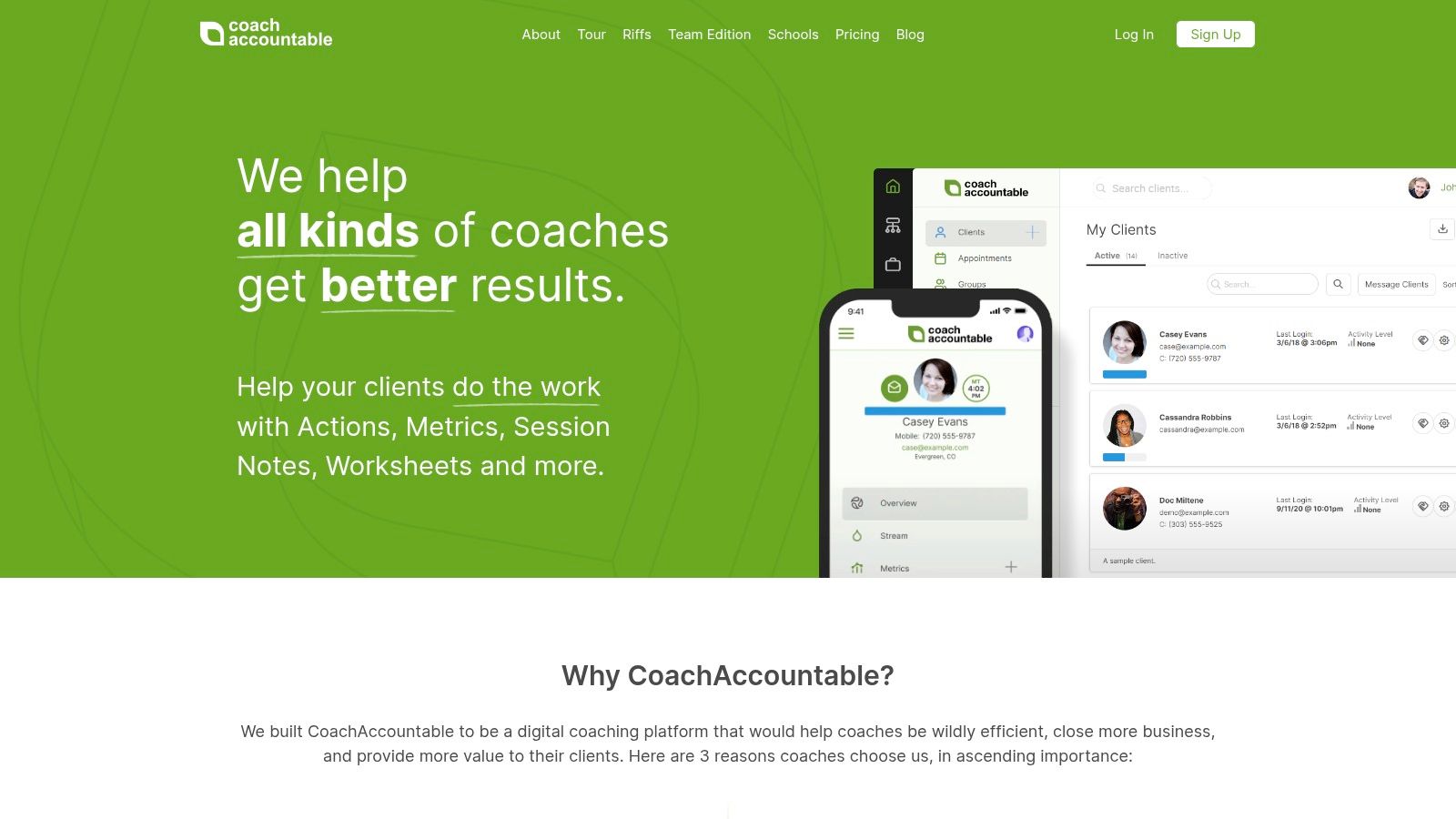
Booking that opens the work
Say a client books a strategy session. You can attach pre-work, set goals, and keep the follow-up visible in the same client record. The scheduling side handles self-booking, reminders, and configurable booking rules. Session series and group coaching tools are there too, which matters if you run a program with several meetings instead of one call.
The trade-off is weight. If you only need a clean booking link, this will feel like more platform than you asked for. Pricing also scales with active clients, so a growing roster changes the math. Every listed plan includes the full feature set, with no setup fee or contract, which keeps the decision simple once you know you want the deeper workflow.
Best fit: Coaches who sell accountability, not just time on a call.
If that sounds like your practice, compare the two approaches directly in this Coachful vs CoachAccountable comparison. Otherwise, visit the CoachAccountable website.
3. Simply.Coach
The worry is common. “I'm one person. I don't want to run enterprise software just to let someone book a call.” Simply.Coach keeps the entry point light while tying booking to the work around it. You get booking pages, availability settings, multiple session types, and connections to Google, Apple, and Outlook calendars.
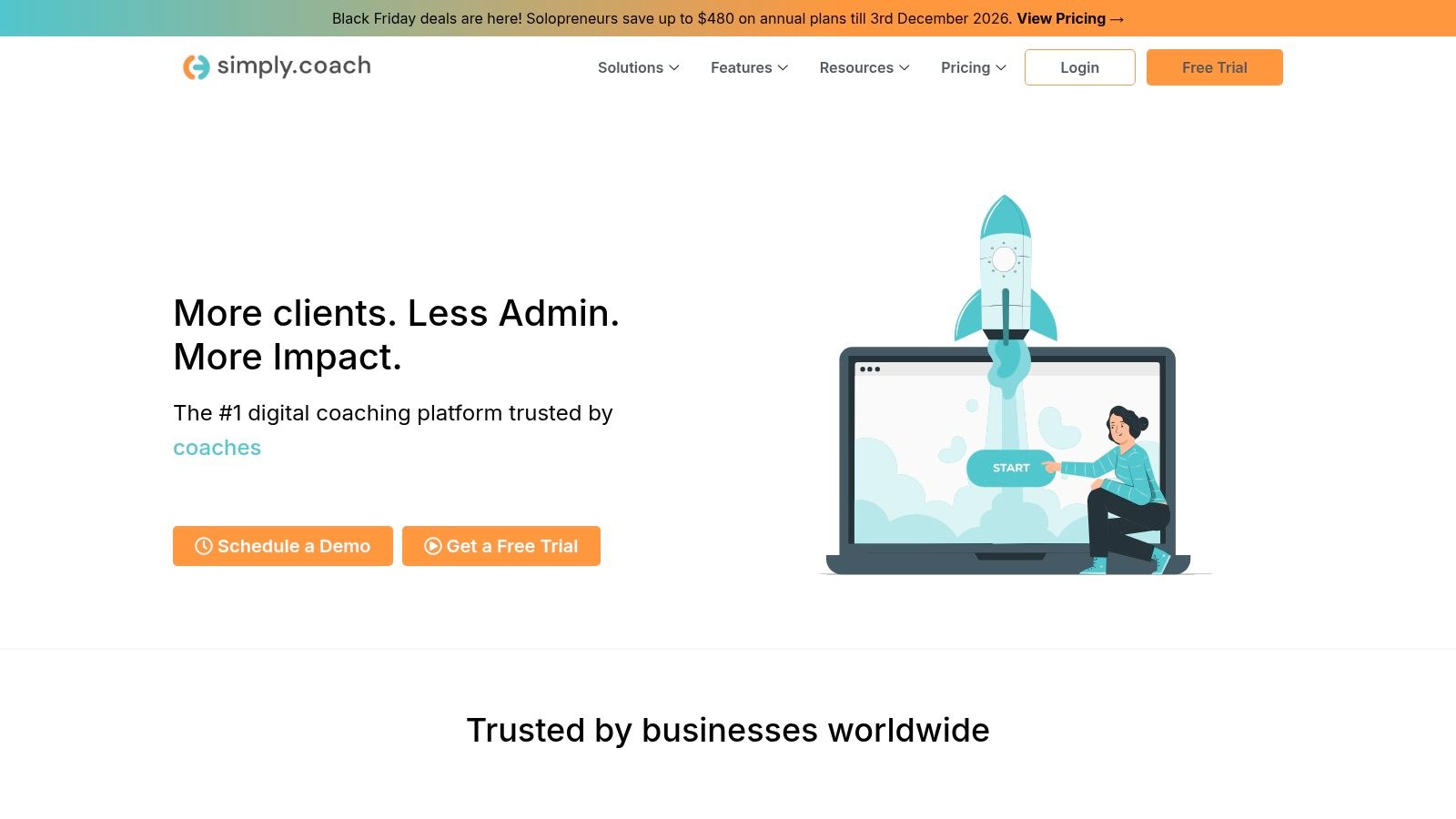
A booking page that knows the session
A discovery call and a paid coaching session should not ask the same questions. Simply.Coach supports pre-session forms, session notes, goals, and client workspaces, so the booking can lead into a prepared conversation. Group coaching and recurring sessions sit on higher tiers.
The trade-off is tiering. Lower-priced plans limit active clients, programs, and contracts. Recurring sessions and multiple calendar connections require a higher tier, so a coach with a full roster may outgrow the entry plan faster than expected.
- Choose it for: Coaching-specific workflows without a heavy setup.
- Skip it if: You want one link and nothing else.
- Check before subscribing: Plan limits and billing cadence.
Visit the Simply.Coach website.
4. CoachVantage
Your packages are messy. One client has three sessions left, another pays monthly, and a third wants to add a group program. CoachVantage is strongest when scheduling has to respect the package behind the booking. Clients can self-book, while session and hour tracking keep the remaining balance visible against what they bought.
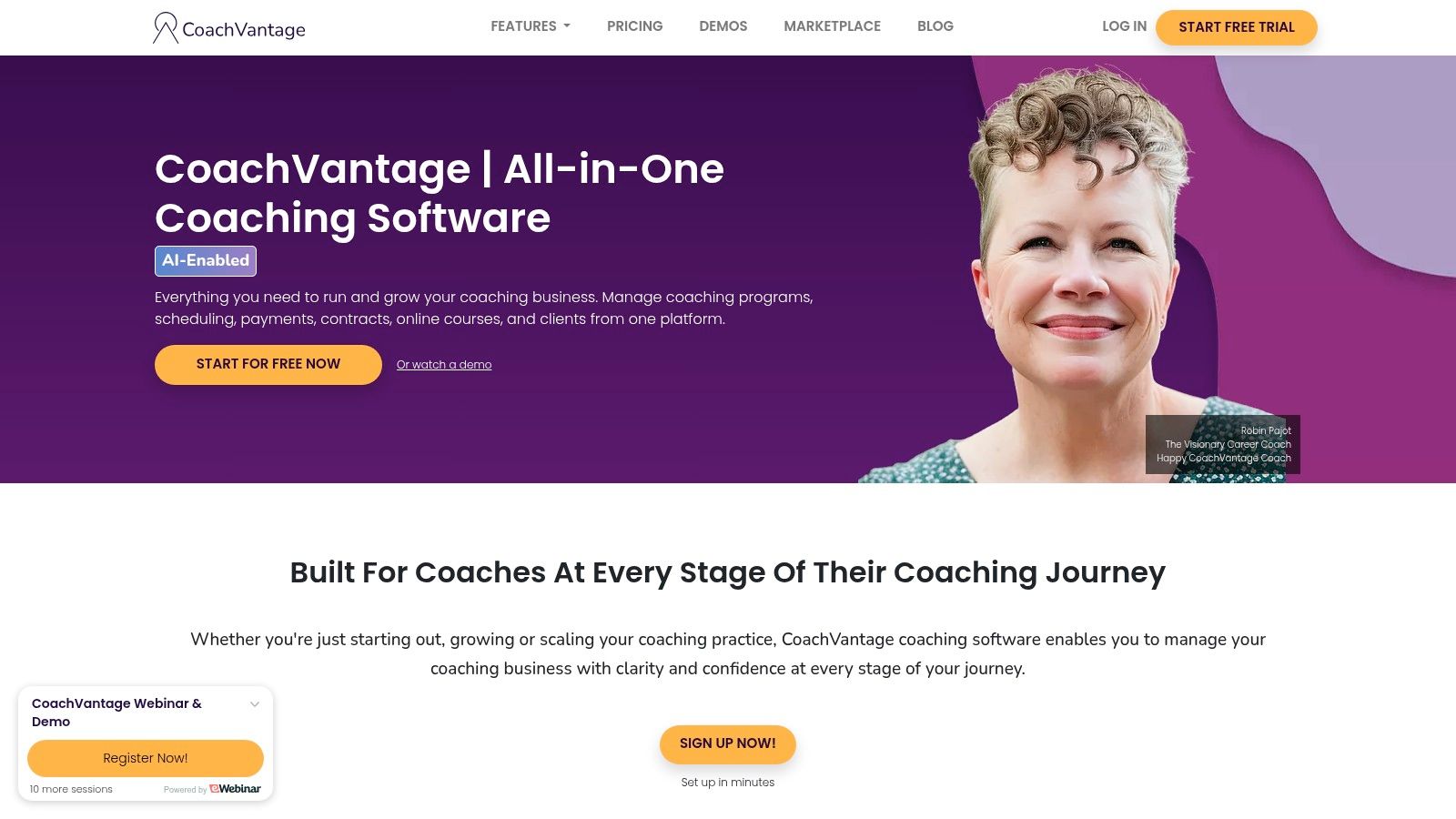
When the package has a clock on it
Say a client buys a six-session package. The booking, the contract, the payment, and the remaining sessions can live in one workflow instead of four. Automated email and SMS reminders reduce no-shows, and Google Calendar and Outlook integration keeps your real availability honest.
The trade-off is scope. Some plans limit booking pages, contracts, or programs, so check what your tier includes. If you only need a lightweight calendar, the wider platform is unnecessary. If you sell packages and want enrollment connected to the first appointment, it earns its place.
Never sell a package in one tool and book it in another. The client feels the seam even if you don't.
Visit the CoachVantage website.
5. Paperbell
You don't want to stitch together a website, a contract, a payment page, and a scheduler. Paperbell puts those pieces in one place for solo coaches. A client can discover an offer, book, sign, and pay through a connected process, which removes the awkward gap between “I'm interested” and “I'm booked.”
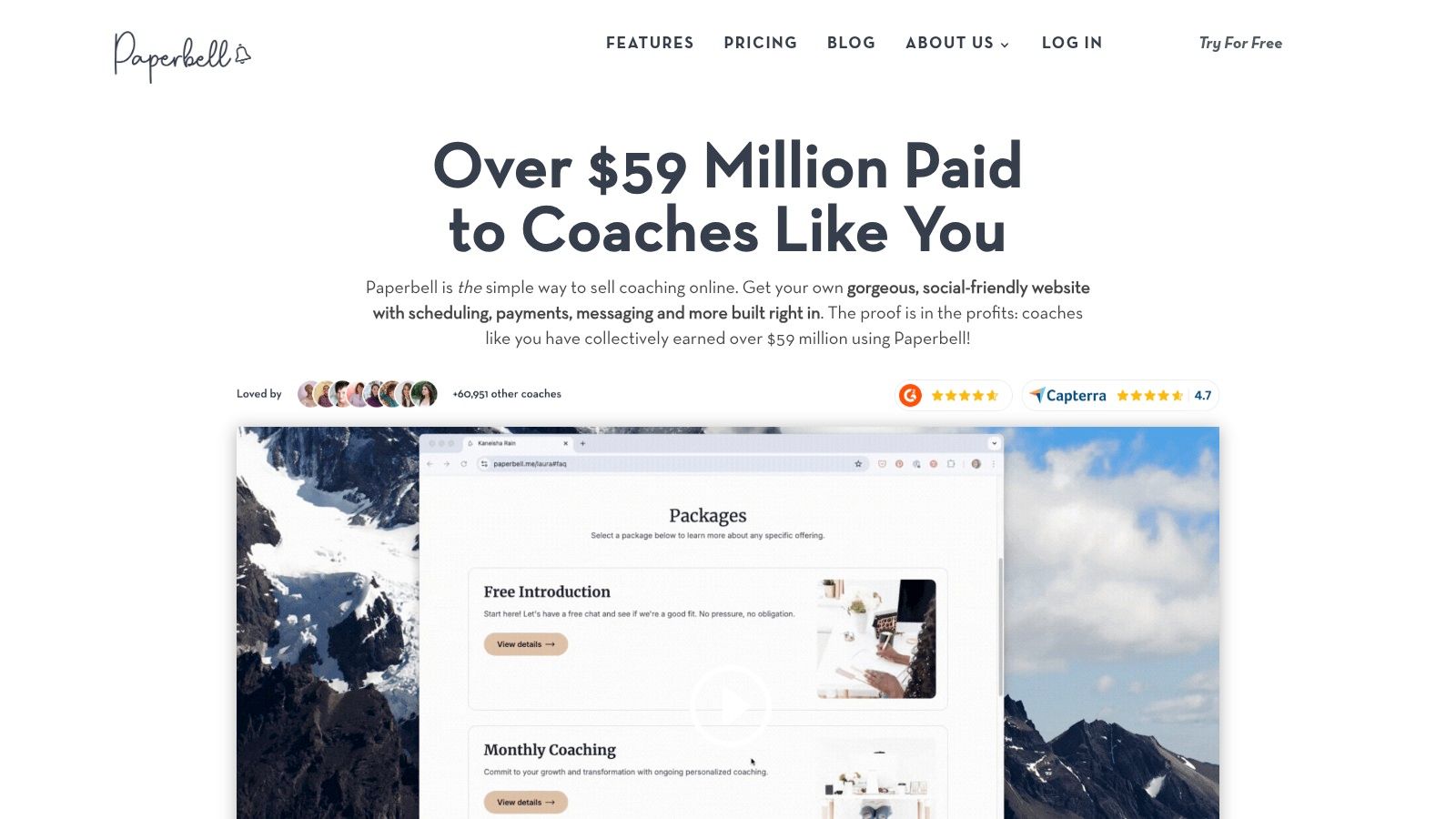
One path from offer to appointment
Say you sell a four-session coaching package. The client reads the offer, chooses a time, signs the agreement, and pays without you sending three separate links. Scheduling syncs with your calendar, and packages, payment plans, and subscriptions sit alongside contracts, forms, and a client portal.
The trade-off is fit. Paperbell costs more than scheduling-only tools, and an account is designed for one coach, so multi-coach practices need separate accounts. It doesn't include a full course builder or built-in video calling.
Where it earns its keep: An established solo practice that wants the sales and booking path to feel like one experience.
Visit the Paperbell website.
6. Delenta
You might be solo today and hiring another coach next year. Delenta covers scheduling, client management, session notes, goals, contracts, payments, group coaching, and courses, with team functionality on higher plans. That makes it a safer bet if you expect to add coaches without changing platforms.

Built for a practice that may grow
A solo coach can use the booking calendar, client portal, session tracking, and Google or Outlook sync. A small team can move into group coaching and multi-coach workflows. Team and enterprise pricing is available by request, which is normal for software that scales by seats.
The trade-off is clarity. Several advanced features sit on higher tiers, and team pricing is not fully listed publicly. A scheduling-focused solo coach may also pay for workflow they never touch.
- Choose it for: A broad coaching workflow with room for associates.
- Skip it if: You want a simple booking link and no client portal.
- Ask before you commit: Which features sit on your tier and what team pricing looks like.
Visit the Delenta website.
7. Calendly
Sometimes the honest answer is a scheduling link. Calendly handles availability, calendar connections, reminders on paid plans, and payments on eligible plans. If your main problem is “Does Tuesday work?” and you don't need a client portal, it solves that problem quickly.
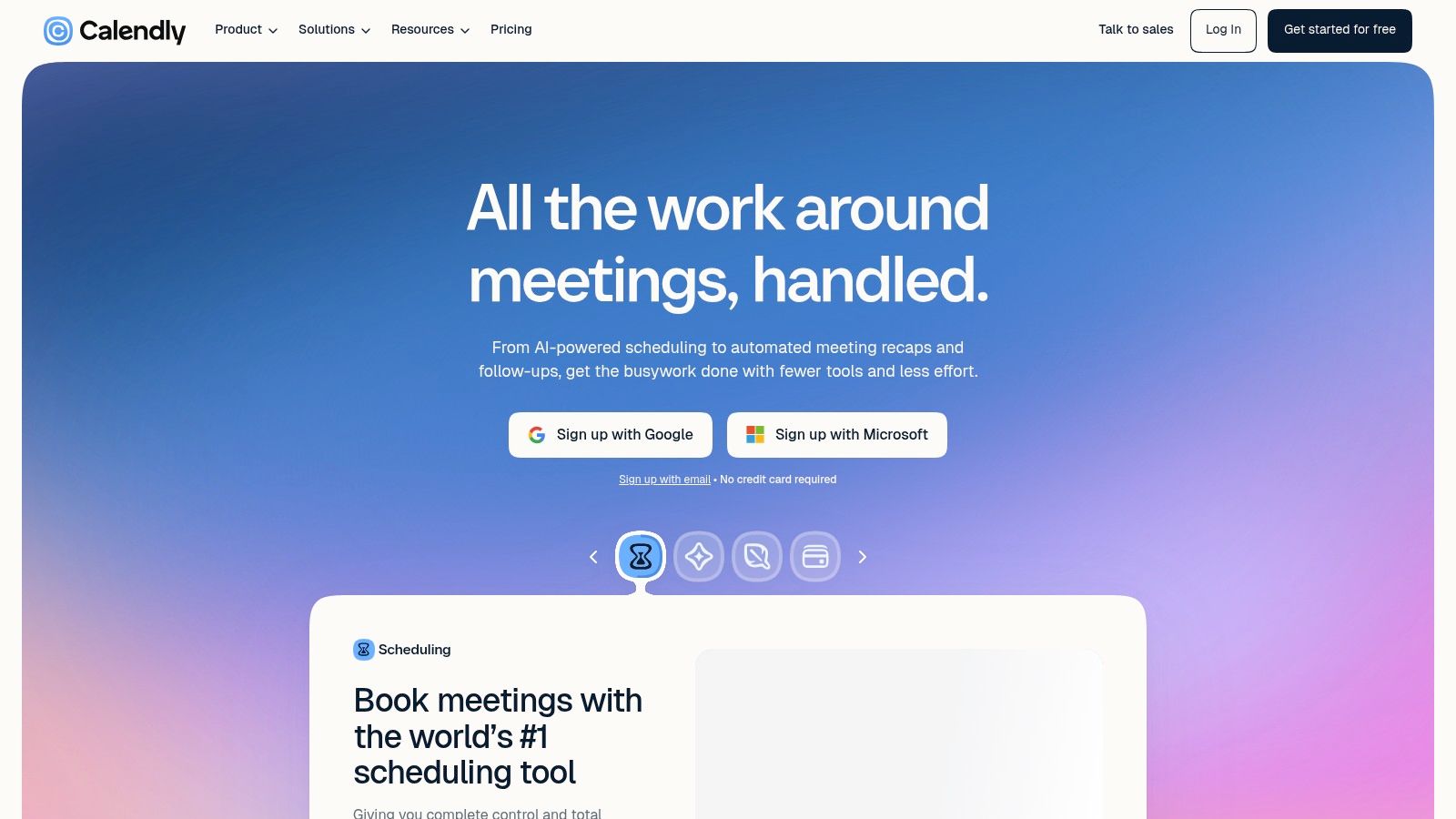
The link that gets out of the way
A coach with two calendars and a handful of call types can set availability once and share one link. Team routing and round-robin scheduling on Teams plans help when several coaches share intake. Stripe and PayPal connections on Standard let a paid call become a paid booking.
The trade-off is coaching depth. Goal tracking and client portals are not its focus. The free plan is limited to one event type and one calendar connection, and paid features are priced per seat. That's fine for a simple offer, less fine for a coaching program with homework and progress notes.
Use Calendly when the calendar is the product. Use a coaching platform when the calendar is the front door to the product.
Compare the two approaches in this Coachful vs Calendly comparison, or visit the Calendly website.
8. Acuity Scheduling
You sell sessions in bundles. Acuity is built for paid appointments and service packages, not just free discovery calls. Clients self-book, the tool converts time zones automatically, and intake forms collect what you need before the session starts.
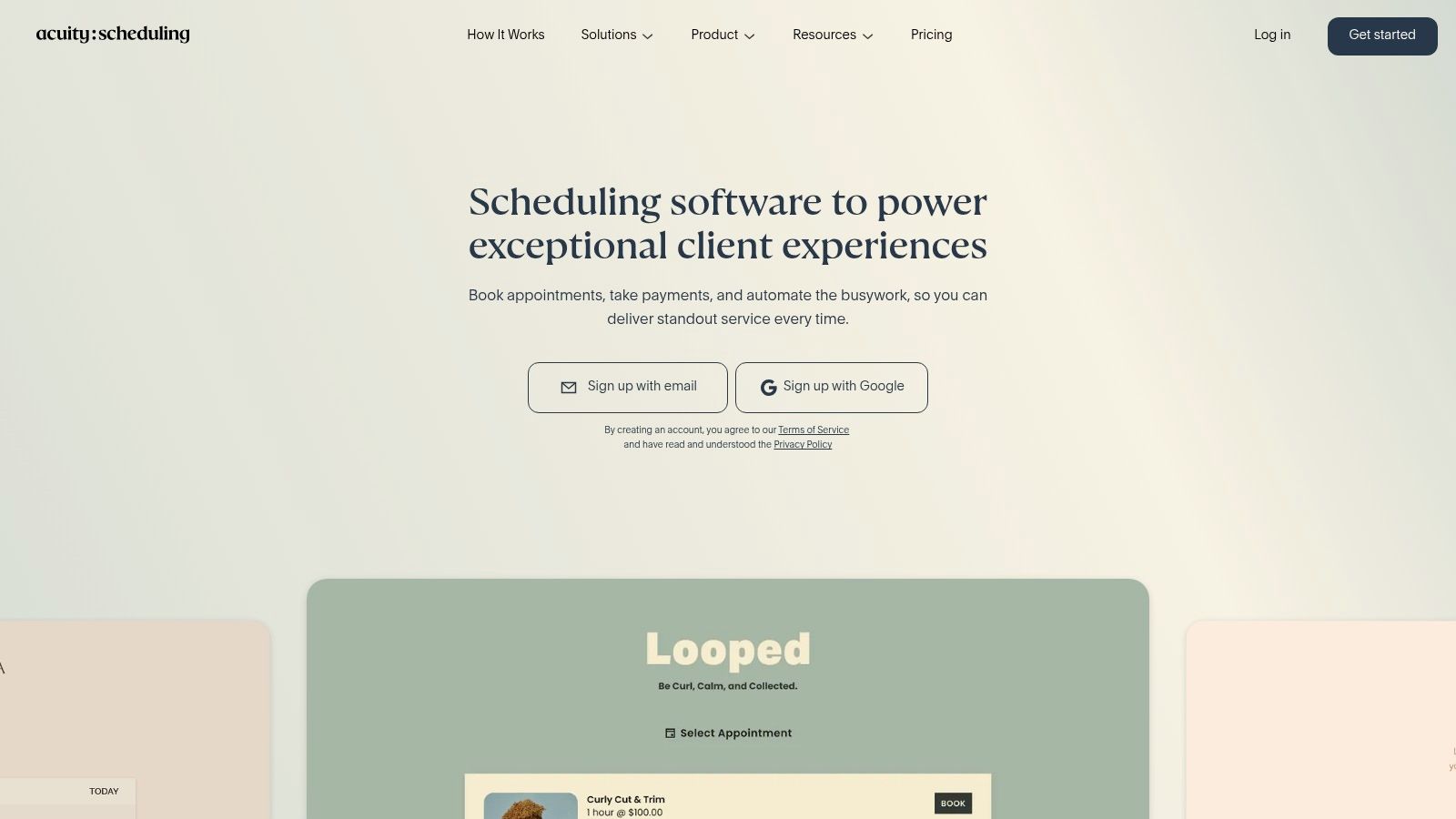
Intake, payment, and packages in one booking
Say a client buys a bundle of sessions and needs to answer a few questions before the first one. Acuity can collect the intake form, take payment through Stripe, Square, PayPal, or Venmo, and send confirmations and reminders. Packages and memberships sit on Standard and Premium plans.
The trade-off is the free tier. There is no permanent free plan, only a trial. Session packages and SMS reminders require Standard or higher, and coaching-specific progress tools are not its main purpose. If you need a CRM and goal tracking, this is a booking layer, not the whole practice.
Visit the Acuity Scheduling website.
9. Cal.com
You want control over the booking rules without paying for a coaching suite. Cal.com gives individual users a free plan with unlimited event types and calendar connections, automatic time-zone detection, conflict checking, and payment collection through Stripe and PayPal.
Configurable, not coaching-specific
The individual plan is generous for a solo coach who runs several call types. Paid plans add team scheduling, collective events, and round-robin booking, which helps a small practice share intake without a separate routing tool.
The trade-off is that Cal.com is not built around coaching client records or progress tracking. It can take more configuration than a simple booking link, and team features require paid plans. If you enjoy tuning your availability rules, that's a feature. If you want the tool to decide for you, it's friction.
- Choose it for: Flexible scheduling and a free individual entry point.
- Skip it if: You need session notes, goals, and a client portal in the same place.
Visit the Cal.com website.
10. Satori
You want scheduling and onboarding in one place, but your roster is small. Satori connects self-booking, reminders, intake forms, proposals, payments, recurring billing, and a client portal with programs, notes, and resources. That's a lot of the client journey under one roof.
A low-cost entry for a very small practice
The entry plan is built for a very small client roster, which suits a coach who is testing an offer or running a side practice. Clients can book, complete pre-session prompts, and see their program and resources in the portal. The vendor also says it does not use session data to train AI models, which matters if confidentiality is your first question.
The trade-off is ceiling. The entry plan caps the number of coaching clients, and session-analysis capacity is capped on higher tiers. If you only need appointment booking, the wider platform is unnecessary. If you want proposals and payments connected to the first session, it's a coherent choice.
Ask yourself: Do I want a booking tool that grows into a practice, or a practice platform that starts small?
Visit the Satori website.
How These Scheduling Tools Differ for Coaches
| Tool | Starting price | Trial | Best coach type | Scheduling depth | Team fit |
|---|---|---|---|---|---|
| Coachful (recommended) | $49/month | 7-day free trial | Independent coaches and coaching organizations | Scheduling plus programs, payments, messaging, and progress tracking | Solo coaches, groups, and organizations |
| CoachAccountable | Scales with active clients | 30-day free trial | Coaches focused on accountability and client progress | Self-scheduling, reminders, session series, and group coaching | Coaches and administrators |
| Simply.Coach | $9/month | 14-day free trial | Independent coaches wanting integrated client workflows | Booking pages, calendar sync, recurring sessions on higher tiers | Solo coaches and coaching teams |
| CoachVantage | $39/month | 14-day trial; no credit card required | Coaches selling packages or programs | Self-booking, calendar sync, and automated reminders | Solo and group coaching |
| Paperbell | $97/month or $970/year; free account available | Free account; no trial stated | Solo coaches selling packages and services | Booking with calendar sync and connected sales workflows | Designed for one coach per account |
| Delenta | $29/month | 14-day trial; no credit card required | Solo coaches and coaching organizations | Booking calendar, calendar sync, and scheduling integrations | Supports multi-coach teams; enterprise pricing by request |
| Calendly | Free plan; paid from $10/seat/month billed annually | Free plan; no trial stated | Coaches needing straightforward booking | Booking links, availability, reminders, and team routing | Team routing and round-robin on Teams |
| Acuity Scheduling | $16/month billed annually | 7-day free trial | Coaches selling appointments or session bundles | Self-booking, intake forms, payments, and packages | Multiple calendars on higher plans |
| Cal.com | Free individual plan | Free plan; no trial stated | Coaches wanting configurable scheduling without an entry fee | Booking links, calendar connections, payments, and team scheduling | Shared availability and round-robin on paid plans |
| Satori | $9/month for up to two clients | Trial not stated | Coaches combining scheduling with onboarding and billing | Self-booking, reminders, forms, and client portals | Team fit not specified |
Choose by the Session You Actually Sell
The best scheduling software for coaches is the one that matches the session you sell, not the one with the longest feature list. A single paid call needs a clean link and a payment step. A package with remaining hours needs a booking that knows the balance. A retainer needs a client to reach you between scheduled calls. A cohort needs a seat count and a start date, not just an open calendar.
Start with the offer. If you sell one paid consultation at a time, Calendly or Cal.com will get you booked without a coaching suite. If you sell bundles and need intake plus payment, Acuity is the tighter fit. If the booking has to open into worksheets, goals, and follow-up, CoachAccountable earns the extra weight. If you want the offer, contract, payment, and first appointment to feel like one path, Paperbell is built for that solo workflow. If you expect associates or run cohorts, Delenta and Coachful are the ones to compare.
The migration is simpler than the fear. Export your upcoming sessions, keep the old booking link live until you have one clean week on the new tool, then turn on reminders. Tell active clients once, in plain language, and put the new link where the old one used to be. Don't run two calendars for a month “just in case.” That's how double bookings happen.
The price jump objection deserves a direct answer. Most tools look cheap at entry and then charge for the features you need: reminders, packages, multiple calendars, team seats. Check the tier that includes your real workflow before you compare monthly numbers. The team seat question is the same question. If you're solo, don't pay for routing you won't use. If you're adding a coach, don't pick a tool that forces separate accounts and then call it a team.
The last objection is the one that matters most. Some tools book beautifully and forget the client the moment the call ends. If your coaching depends on goals, notes, and accountability between sessions, choose the tool that keeps the client record attached to the booking. If your work is purely appointment-based, a scheduling-first tool is honest and sufficient.
If you're preparing a client for the first conversation, the first appointment advice from Therapy with Ben is a useful reminder that the booking is not the relationship. The tool should make the appointment easy and then get out of the way.
If you want the booking to stay attached to the client, Coachful brings scheduling, your coaching CRM, payments, contracts, group programs, and a branded client app into one workspace. You can build a package as single sessions, a fixed program, or a monthly retainer, then let clients book against the right session type. Visit Coachful to see how it fits the way you coach.