Can You Unsend a Message on Linkedin: How To Unsend

Coachful
You send a LinkedIn message to a promising executive lead. One second later, your eyes catch it. Wrong first name. Or the meeting link is broken. Or worse, that note was meant for a private client thread and went into a group conversation instead.
That moment hits fast. Your stomach drops, your brain starts bargaining, and your hand moves straight to the delete button.
If you're searching can you unsend a message on linkedin, the most important thing to know is this: sometimes you can limit the damage, but you usually can't make the message disappear in the way people mean when they say “unsend.” LinkedIn is built for professional accountability, not frictionless take-backs. That makes the technical answer important, but the essential skill is knowing what to do next without making the situation feel bigger than it is.
That Sinking Feeling When You Hit Send Too Soon
The panic is usually not about the typo itself. It's about what the typo seems to say about you.
If you're a coach, a consultant, or anyone selling trust, a small messaging mistake can feel loaded. You don't just think, “I sent the wrong note.” You think, “Now they’ll assume I’m sloppy.” That’s why a simple LinkedIn error can trigger more anxiety than it objectively deserves.
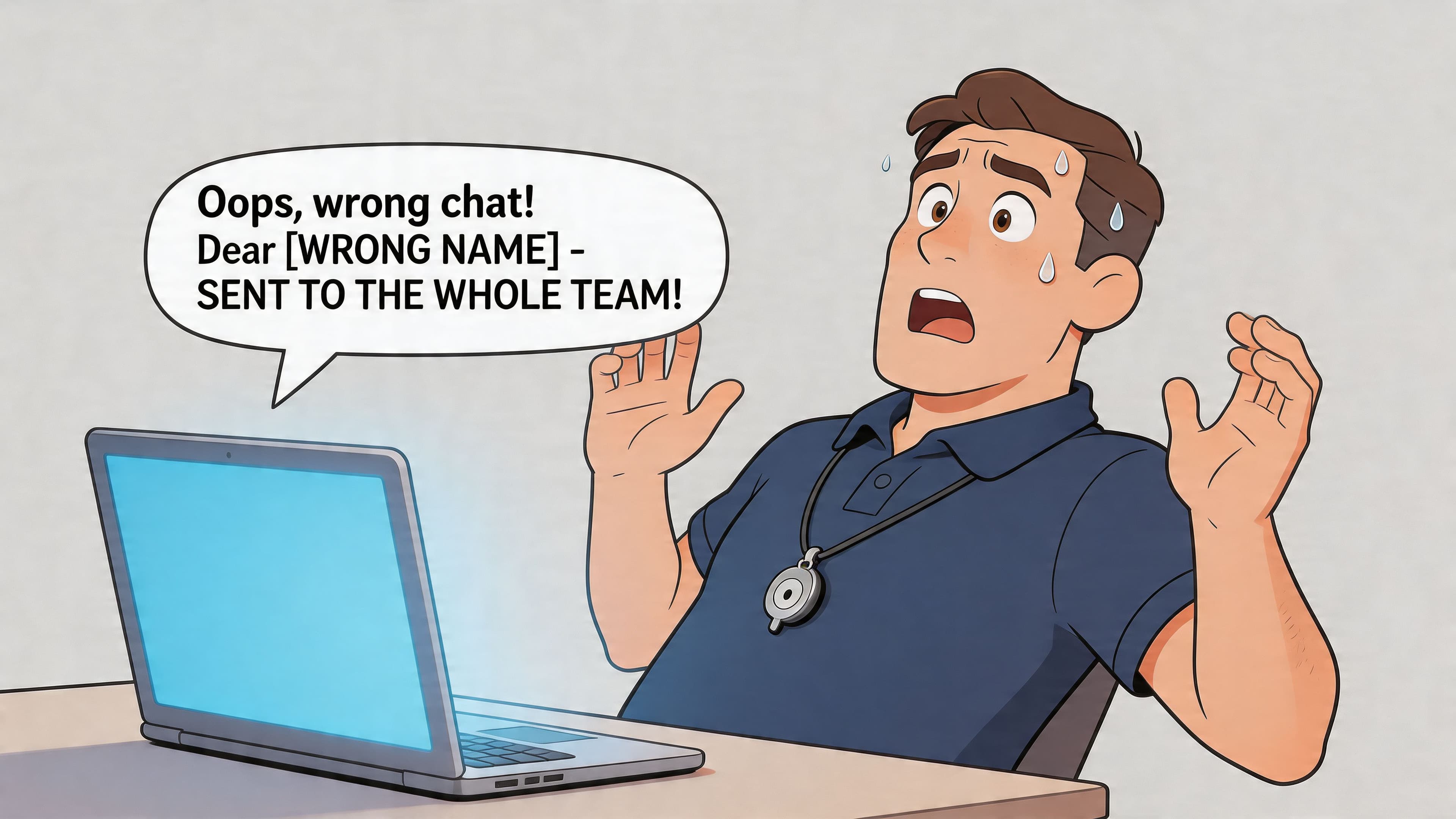
A few examples coaches know well:
- Prospecting mistake: You message a leadership prospect and use the name from the person you contacted right before them.
- Boundary mistake: You paste a scheduling note into the wrong thread and reveal context that should have stayed private.
- Tone mistake: You send a message too quickly, read it back, and realize it sounds more pushy than confident.
- Group program mistake: You reply in a cohort thread when you meant to answer one participant privately.
Trust isn't typically lost due to a single corrected mistake. It erodes when the response feels evasive, messy, or defensive.
That’s also why thoughtful outreach matters more than sheer volume. If your LinkedIn habit is careful, relevant communication, one error is easier to recover from. This is part of why LinkedIn Outreach Relevance matters so much in practice. Precision lowers both reply risk and reputation risk.
For coaches, this is the same communication discipline that shows up in sessions, onboarding, and follow-ups. If you want to sharpen that broader muscle, communication skills in coaching is the bigger conversation behind this smaller LinkedIn problem.
Most messaging mistakes feel catastrophic for about ten minutes. Most of them become manageable the moment you switch from panic to clarity.
What Unsend Really Means on LinkedIn
The part that catches coaches off guard is simple. LinkedIn does not treat "delete" and "unsend" as the same action.
For regular LinkedIn messages, there is no true recall feature that reliably pulls a delivered message back from the other person's inbox. Hyperclapper's guide to deleting LinkedIn messages explains the key limitation clearly. Deleting a message typically removes it from your view, not theirs.
That distinction matters more than it sounds. In the stress of sending the wrong note, many coaches act fast, delete first, and assume the problem is gone. Sometimes that creates a second problem. You lose your own record of what was sent while the recipient still has the original message.
Deleting from your inbox works more like removing your copy of a document from a folder. Their copy can still exist, and their impression of the message can still shape the conversation.
This is why LinkedIn errors feel so personal for service-based professionals. A salesperson may write off a messaging mistake as volume risk. A coach usually feels it as a trust risk. The message is not just text on a screen. It can trigger worry about professionalism, confidentiality, and whether a prospect or client now sees you as careless.
Part of the confusion comes from other platforms. Some email tools give you a short delay before a message fully sends. If that comparison helps, see how to recall an email in Gmail. Gmail's option is really a brief undo-send buffer. LinkedIn is stricter, and once a regular message is delivered, your cleanup options are narrower than many people expect.
Here is the practical reality:
| Action | What you hope happens | What usually happens on LinkedIn |
|---|---|---|
| Delete a regular message | It disappears for both sides | It disappears from your view only |
| Hide a conversation | The thread is gone for everyone | Only your inbox changes |
| Edit a sent message | The original vanishes cleanly | Limited cases apply, and timing decides whether you still can |
If you're wondering can you unsend a message on linkedin, the honest answer for regular messages is usually no. The useful question is whether you can still correct it before the platform's time limit closes.
How to Edit or Delete Within The 60-Minute Window
When speed matters, don’t overthink it. LinkedIn enforces a strict 60-minute window for editing or deleting messages so the change is visible to all participants, a policy confirmed as of October 9, 2025 by PhantomBuster’s LinkedIn messaging guide. After that, the universal edit or delete options disappear.
Use the steps below while you’re still inside that hour.
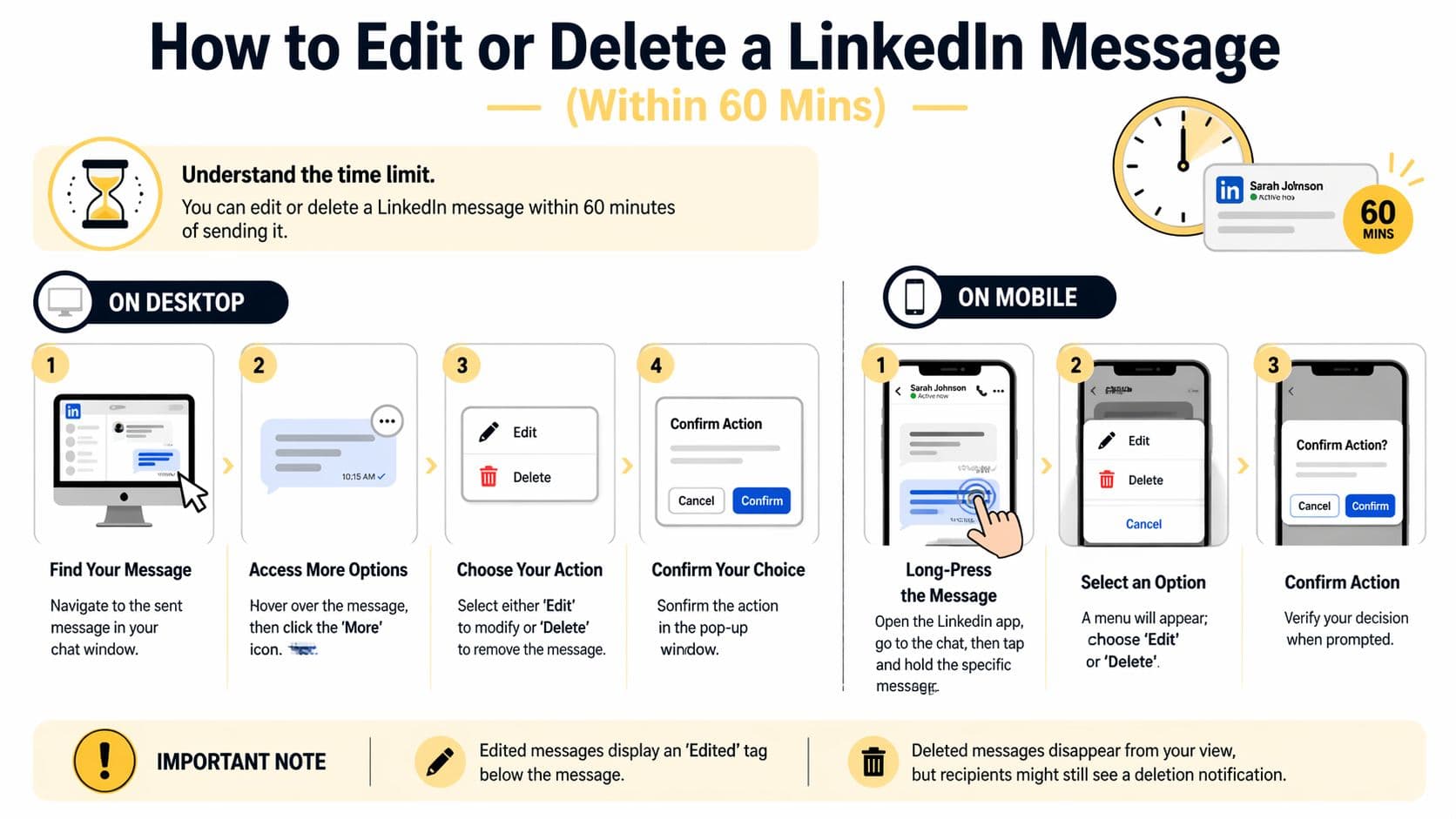
On your desktop computer
Open LinkedIn and go straight to the conversation.
Then:
- Find the exact message. Don’t click around the thread too quickly. Make sure you’re targeting the right line.
- Hover over the message. LinkedIn reveals message controls when your cursor sits over it.
- Click the three-dot menu. This opens the action list.
- Choose Edit or Delete. Pick the one that solves the problem cleanly.
- Confirm the action. If LinkedIn asks you to confirm, do it immediately.
A quick rule helps here:
- Choose Edit if the message is basically fine and only needs a typo fix, corrected link, or clearer wording.
- Choose Delete if the content itself creates confusion or shouldn’t stay in the thread.
Practical rule: If the original intent was sound, edit. If the original content creates the wrong impression, delete and resend clearly.
On the LinkedIn mobile app
If you’re on your phone, the steps are similar but gesture-based.
- Open the chat thread
- Press and hold the message
- Wait for the action menu
- Tap Edit or Delete
- Confirm the choice
Mobile is where people make secondary mistakes because they move too fast. Slow down for five seconds and verify the exact message before you tap.
A visual walkthrough can help if you're doing this under pressure:
What to do right after the fix
The technical action is only part of the job. The relationship part matters too.
If you edited a message and the change is noticeable, send a brief follow-up when context helps. For example:
“Small correction on my last note. I fixed the link so you have the right one now.”
If you deleted something substantial, don’t leave silence behind. Replace it with a cleaner, calm version:
- “Correcting my last message so you have the accurate session link.”
- “Sent that too quickly. Here’s the right information.”
- “I used the wrong name in my previous note. Apologies. Let me restate this properly.”
That response usually reads as professional, not embarrassing.
Beyond the Hour What Happens After 60 Minutes
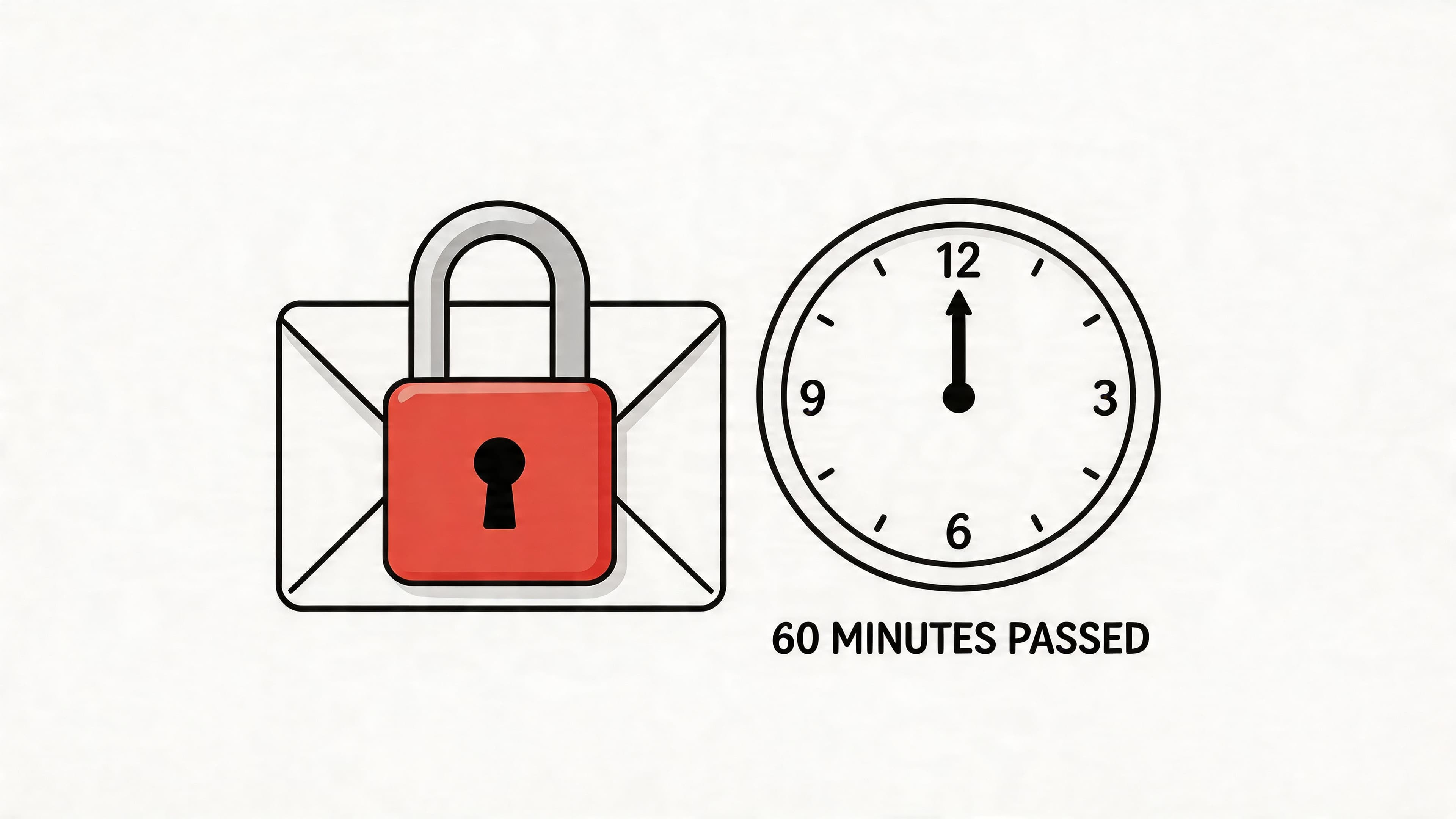
Once the hour is gone, your job changes. You’re no longer trying to erase the message. You’re managing the aftermath.
At that point, the recipient’s version is effectively the permanent one. You may still be able to remove the message or thread from your own inbox, but that only changes what you see.
What the delete button means after the window
After the correction window closes, “Delete” becomes more like “hide from me.”
Here’s the split:
| View | What happens |
|---|---|
| Your inbox | You may remove or hide the message or conversation |
| Recipient inbox | They still retain the original content |
Many people waste time. They keep trying different clicks, different devices, or old forum advice, hoping one version of LinkedIn will still allow a true recall. It usually won’t.
The better move after you miss the window
Send a repair message instead of pretending it didn’t happen.
Good examples:
- “Quick correction. My previous message included the wrong link. Here’s the correct one.”
- “I addressed you by the wrong name in my last note. Sorry about that.”
- “That message was meant to be more concise. Let me restate it clearly.”
A direct correction almost always lands better than a silent disappearance attempt.
For coaches, this matters because clients and prospects don’t expect perfection. They expect steadiness. A calm follow-up signals maturity. Scrambling, overexplaining, or acting as if the error never happened can make a minor issue feel stranger than it was.
The Hidden Traps of LinkedIn Messaging
Most articles stop at the button clicks. That’s not where the true risk ends.
A message can be technically deleted within the allowed window and still be psychologically “seen.” That’s because recipients may catch it in a push notification or desktop pop-up before you remove it. A YouTube walkthrough discussing this issue also notes that in group chats, deleting only affects the sender’s view, leaving the message intact for everyone else in the thread, which is especially risky for coaches handling cohorts or sensitive participant conversations.
Notifications can beat your cleanup
You might act fast and still lose the race.
A common example: you send a note saying, “Great speaking with you, Daniel,” to someone named Priya. You delete it quickly. Priya may still have seen the preview on her phone lock screen. Even if she never opens the thread, the first impression has already happened.
That means the right question isn’t only “Can I remove this?” It’s also “What might they already have seen?”
Group threads are the real danger zone
For coaches running masterminds, team coaching, or cohort programs, group messaging raises the stakes.
If you accidentally post private context into a shared thread, don’t assume deleting solves it. In group settings, the message can remain visible to everyone else even after you remove it from your own side. That’s one reason coaches who manage ongoing communities need stronger operational habits around roles, permissions, and message channels. The wider discipline behind that sits close to social media community management, where small moderation choices can have outsized trust consequences.
A simple recovery script
When the mistake has already been seen, use plain language.
Try one of these:
- “That previous note went to the wrong thread. Apologies for the confusion.”
- “I sent that too quickly and want to correct it clearly.”
- “Please disregard the prior message. It included the wrong detail.”
Avoid dramatic language. Don’t write a paragraph defending yourself. Don’t say, “I’m so embarrassed.” That shifts emotional labor onto the other person.
Be careful with update rumors
There’s also conflicting advice online about a reported March 2026 360Brew update that supposedly lets users delete messages for all participants beyond the earlier limit. As of April 2026, no major sources have validated a global rollout, so it isn’t something coaches should rely on for important communication.
If the message matters, work from the stricter assumption. Once sent, treat it as potentially permanent.
Building a Mistake-Proof Messaging Strategy
The best answer to can you unsend a message on linkedin is not a clever trick. It’s a communication system that makes “oh no” moments rarer and easier to recover from.
That starts with one mindset shift. Don’t treat message review as caution tape. Treat it as brand protection.
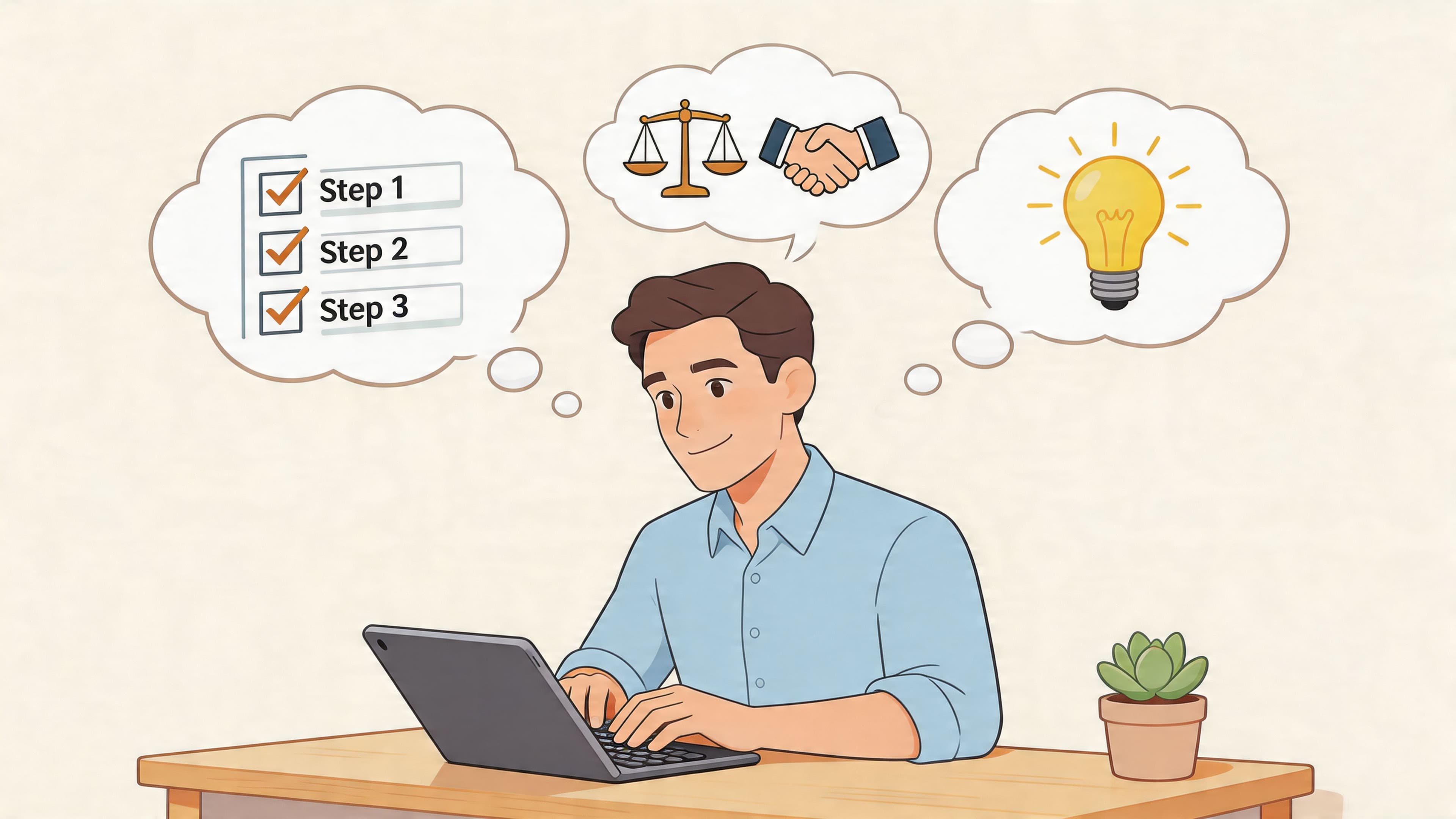
Build a pre-send routine
A strong pre-send habit only takes a few seconds.
Use this checklist:
- Confirm the recipient first. Before you reread the copy, check the name and thread.
- Scan for variable fields. Names, company names, session dates, and links create most avoidable errors.
- Read for tone once. Ask whether the message sounds grounded, not rushed.
- Pause before sending sensitive notes. If the content touches client details, don’t write and send in the same breath.
Many coaches already do this informally with email. LinkedIn deserves the same discipline because it often sits closer to sales, referrals, and first impressions.
Separate public networking from client communication
LinkedIn is useful for networking, visibility, and outreach. It is not always the best home for sensitive operational communication.
A practical split works well:
| Use LinkedIn for | Use a dedicated client system for |
|---|---|
| Initial outreach | Session notes |
| Warm follow-ups | Confidential feedback |
| Networking conversations | Program resources |
| Light scheduling nudges | Ongoing client messaging |
This reduces the chance that important coaching communication gets mixed up with prospecting chatter.
Good systems lower the odds that a human mistake becomes a trust problem.
Use templates carefully
Templates help, but only if they’re designed to slow down the right moments.
For example:
- A prospecting template should include obvious placeholders so you don’t miss a wrong name.
- A scheduling template should force a final link check.
- A follow-up template should sound human enough that a quick correction doesn’t feel robotic.
If you're also refining your visibility strategy, it helps to learn how to write engaging LinkedIn content without sounding mechanical. The same principle applies in direct messages. Efficiency helps, but only if relevance and tone survive the process.
For broader day-to-day systems, client communication best practices is where this becomes bigger than one platform. The coaches who look polished are rarely improvising all their communication. They’ve built repeatable habits.
Don’t rely on rumored fixes
One final discipline matters here. Don’t build your communication process around an unconfirmed platform feature. There is conflicting information about a reported March 2026 360Brew update that may allow deleting messages for all participants beyond the earlier limit, but as of April 2026 no major sources have validated a global rollout. For critical coaching or client-facing communication, that means one thing: assume recall is unreliable.
That assumption makes you better, not slower.
If you want a more controlled way to handle client messaging, scheduling, notes, and program delivery without juggling public-network risks, Coachful gives coaches one place to manage communication and operations with more structure and privacy.